I’ve been following JMA’s “10K or bust” series on YouTube. He’s an engineer with big tech experience trying to build something that makes $10,000 a month, and he films all of it. His first attempt, an AI app that turns photos into Korean-style beauty portraits, got 10,000 views from paid creators and zero sales.
So he pivoted to LockFeed. It locks the apps you pick, like Instagram or X, until you answer a quiz. He built it for himself to memorize the guitar fretboard before scrolling. Friends then asked for chess puzzles, art history and US citizenship questions, and it turned into a product.
Most of that episode is about marketing. The part I found most useful was shorter: how he decided to charge for it. Before building his paywall, he studied the onboarding of Brain Rot, a viral app in the same space, and found the playbook every app growth account on X keeps repeating. Then he decided not to follow it.
This post covers only that part. What the common monetization models are, how the popular playbook works screen by screen, and why the numbers behind it look the way they do. Every diagram is interactive.
Table of contents
- The vocabulary
- Four ways to put up a paywall
- The playbook JMA found
- Anatomy of a paywall screen
- Run the numbers
- What JMA did instead
- What I’d take from this
- Reference
The vocabulary
A few words show up everywhere in this topic, so here they are once.
- A paywall is the screen that asks for money before you can use something.
- A subscription renews automatically every week, month or year until the user cancels. Almost every app in this post sells one.
- Conversion is the share of people who move from one step to the next. “Install to paid” is the share of all installs that end up paying.
- MRR, monthly recurring revenue, is what your subscriptions bring in each month. A $29.99 yearly plan counts as about $2.50 of MRR.
- Churn is the share of paying users you lose in a period.
- Apple and Google take a cut of every purchase made in the app. For developers earning under $1M a year, it’s 15%.
The apps in this post are free to download. The money comes from what happens after the install.
Four ways to put up a paywall
There are four common models. They differ in one thing: how much of the product someone gets to use before you ask for money.
Stop scrolling. Start learning.
Pay before you can use anything.
Upside. Every user who gets past the paywall is paying. Revenue shows up on day one, and you never serve free users who cost money and never convert.
Downside. Nobody gets to check whether the product is good before paying. That brings more refunds, worse reviews and very little word of mouth, because most people who install never see the product.
Fits. Apps whose value is easy to picture before trying them, with paid ads bringing traffic.
The hard paywall asks first and shows the product later. Freemium does the opposite and may never ask at all. Free trials and metered limits sit in between. A trial gives everything for a fixed time. A meter gives a fixed amount of use.
None of these is the correct one. Each moves risk to a different person. With a hard paywall, the user takes the risk that the product is bad. With freemium, you take the risk of serving millions of people who never pay.
The playbook JMA found
When JMA looked at Brain Rot’s onboarding, he recognised four tactics he’d seen founders recommend over and over. Together they form one system, so I’ll go through them in order.
Free download, then a hard paywall
The app costs nothing to install, so getting the install is easy. The paywall comes right after onboarding, and there’s no way past it without paying. You can’t try the product first, so you buy on impulse or curiosity.
The people selling this playbook argue that free trials hurt revenue. JMA’s suspicion was blunter. Maybe free trials hurt revenue for them because the product is bad, and a trial lets users find that out before paying.
I think both things can be true. RevenueCat’s yearly State of Subscription Apps report has found that hard paywalls convert more downloads into payments than freemium does, partly because there’s no trial to cancel. It also means many people who pay never chose the product. They chose the promise on the screen before it.
The onboarding is the sales pitch
In these apps, onboarding isn’t a tutorial. It’s a sales funnel dressed as a quiz. Every screen raises the user’s desire a little, often by poking at something they already feel bad about. The paywall shows up when that desire is at its highest.
Step through it below. The meter on the right is the whole idea.
Your phone is eating your day.
Tactic: Name the problem
The first screen names a habit the user already feels bad about. Nothing about features yet.
The desire numbers are illustrative. The point is the shape: it only goes up, and the price appears at the top.
Some of these steps are good product design. Asking about the user’s goal is a real way to personalise content. Others are pure persuasion. A loading bar that “builds your plan” while computing nothing exists only to make the result feel valuable.
The test I use is simple. If removing the screen would make the product worse for the user, it’s onboarding. If it would only make the sale less likely, it’s the pitch.
Charge a premium
These apps price high for what they are, and many push a weekly plan that costs more over a year than most people spend on streaming. JMA described it as closer to closing a high-ticket sale than to selling an app people would happily recommend.
The logic follows from the first two tactics. If almost every buyer is paying on impulse at the peak of the funnel, price sensitivity is low in that moment. And with ads paying for each install, the price has to be high for the numbers to work.
The cost shows up later. A price that only works on impulse produces refunds, cancellations and one-star reviews saying “I didn’t know I’d be charged”. It also kills word of mouth. People don’t recommend an app they feel tricked into paying for.
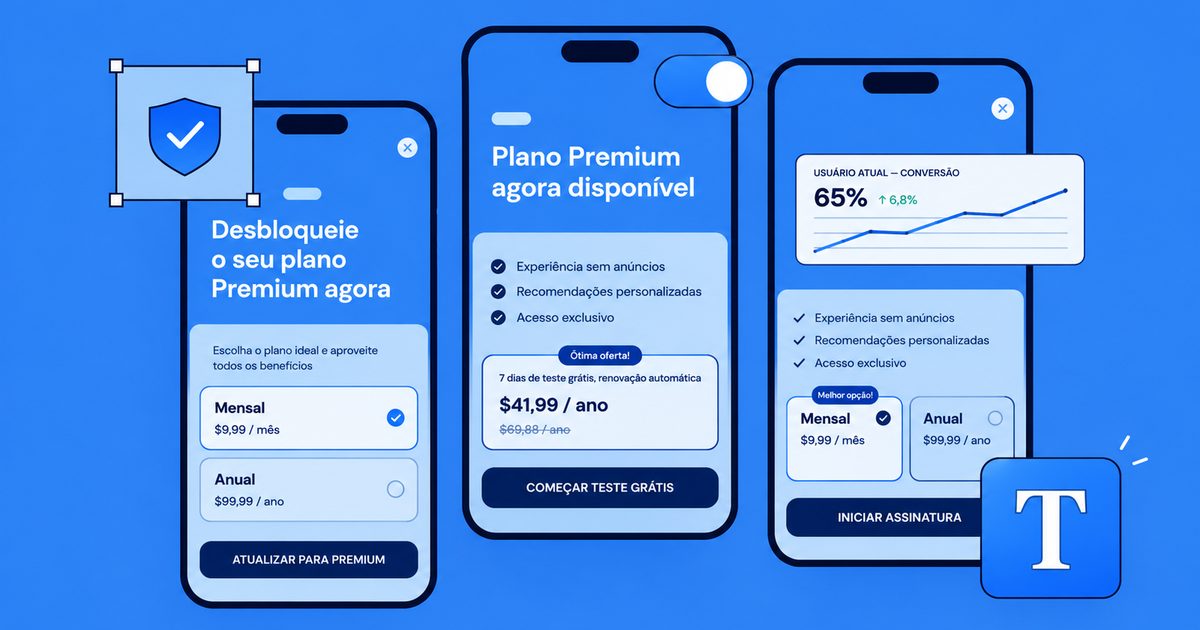
Reveal the real price as a 50% discount
The last tactic is to show a higher price first, cross it out, and present the real price as a deal. The price never changes. The comparison does.
One number, no context. The user compares $29.99 with whatever they have in their head: a coffee, Netflix, 'apps should be free'. You don't control that comparison.
Watch out. Nothing deceptive here. It just leaves the reference point to chance.
All four framings are legal when the numbers are real. The trouble is that the “50% off” version is almost never real in these apps. The struck-through price was never charged, and the discount is there on every visit.
Anatomy of a paywall screen
Put the four tactics together and you get the paywall screen most of these apps share. Each element on it has a job. Some are required by Apple and Google, some are normal practice, and one or two cross a line.
Learn guitar instead of scrolling
★★★★★ 4.8 · 20k learners
Restore · Terms · Privacy · Renews yearly
3. Struck-through anchor
Shows a higher 'original' price so the real price looks like a deal. The framing demo above shows why it works.
Where the line is. Honest only if that price was actually charged before. A price that never existed is a fake reference price.
If you’re building one, start from the required parts (price, length, renewal terms, restore purchases) and add persuasion only where you’d be comfortable explaining it to the user.
Run the numbers
JMA’s goal is $10,000 a month. The calculator below shows how many installs that takes under each model. Every preset rate is a made-up starting point, not a benchmark. Swap in your own numbers from analytics as soon as you have them.
Install to paid: 4.8%
New MRR each month
$510
MRR levels off at
$6,375
Installs/month for $10K
7.8k
After the store's 15% cut. Each month you add new subscribers and lose 8% of the ones you have, so revenue stops growing once the losses equal the new MRR. That level is new MRR divided by churn.
Two things stand out when you play with it.
The first is churn. With 8% monthly churn, MRR stops growing once it reaches about 12 times what you add each month. Lowering churn moves that ceiling more than almost any other slider. This is the hidden cost of impulse buying. Users who didn’t really choose the product leave fast.
The second is the gap between models. Small differences in conversion look tiny as percentages and huge as installs. Going from 2% to 4% install-to-paid halves the number of installs, and so roughly halves the ad budget, needed to reach the same revenue.
That second point explains why the hard paywall is so popular. When every install costs money in ads, the model that converts the most installs fastest wins the spreadsheet, even if it loses goodwill.
What JMA did instead
JMA didn’t want an immediate paywall. His version let users solve a few quizzes for free, and the paywall appeared on the next one. That’s the metered model from the first diagram. The user gets value first, and the ask comes right after a small win.
Then he added a twist. If the user didn’t pay, their locked apps would stay locked forever.
Apple rejected the app for improper use of the Screen Time API.
The meter itself was fine. The problem was the last box. Holding the user's other apps hostage until they pay turns a tool they installed to help themselves into ransomware with a nice UI, and Apple's review caught it.
He called the rejection nonsense on camera. I think Apple got this one right. Screen Time access exists so users can control their own phone. Using it to block someone’s other apps until they pay flips that purpose. The meter was fine. Using the user’s own phone as leverage was the problem.
The fix doesn’t need a different model. Keep the meter and the paywall, and make sure not paying only costs the user your product’s features, never access to the rest of their device.
What I’d take from this
- Pick the paywall model from how fast your product proves itself. If users see the value in one session, meter it. If it takes a week, offer a trial. If the value is hard to show before purchase, a hard paywall may be the only thing that works, but that’s a warning about the product too.
- Treat onboarding as product first. Personalisation that changes what the user sees is worth the extra screens. Fake loading bars aren’t.
- Price for the second month, not the first purchase. A price that only survives on impulse shows up later as churn.
- Use anchoring with real numbers. A yearly plan next to a monthly plan is honest anchoring. A discount from a price you never charged isn’t.
- Read the store guidelines before designing the punishment for not paying. Locking content you made is fine. Locking things the user already owns isn’t.
JMA’s bet is that a product he uses every day, with a paywall that comes after value, can grow without the full playbook. I think it’s the better bet. A product people pay for after trying it is one they’ll recommend, and recommendations are installs you don’t pay for.
Reference
This post is based on this episode of JMA’s “10K or bust” series. The LockFeed story, the Brain Rot breakdown and the four tactics come from there. The diagrams and opinions are mine.